Where to Find the Model and Serial Label on a U-Line Unit
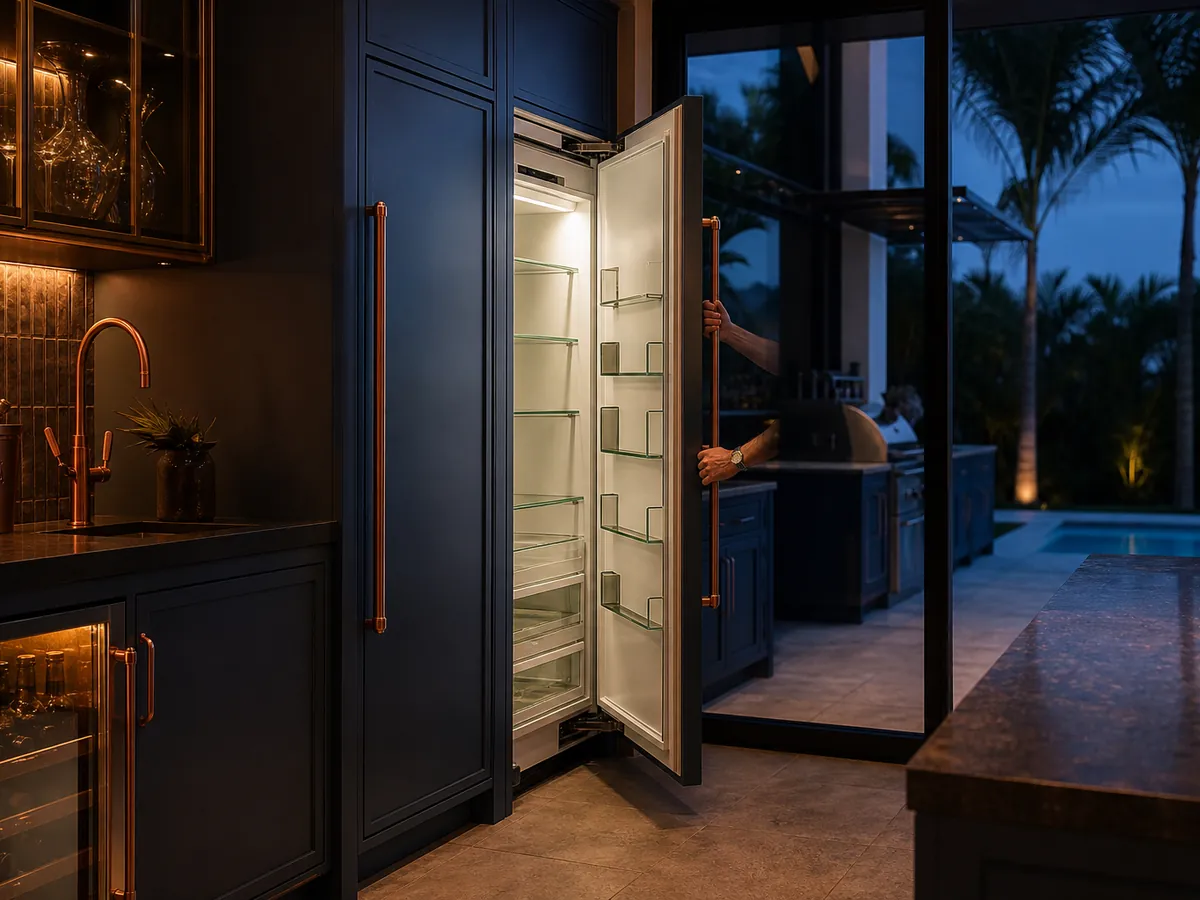
The model and serial label on a U-Line unit is usually inside the cabinet, on a side wall, the ceiling or the frame near the door opening. Some units also carry a label on the back or under a grille. Find it before you book, photograph it, and read the model and serial numbers exactly as printed.
Why does the label matter before a repair visit?
The model and serial numbers identify the exact unit: its design, its cooling system, its parts and the revision of the controls. Two units that look alike can use different parts. With the label in hand, a technician can look up the right guide and plan which parts to bring, which saves a second trip.
The label also supports warranty questions, since it helps date the unit and shows whether it is a residential indoor or outdoor model. Keep a photo with your purchase papers. In a storm, the photo survives even if the unit does not.
Where is the label on each type of U-Line unit?
Locations vary by model, so treat the list below as a place to start, and check your use-and-care guide, which shows the label location for your product. U-Line makes undercounter and outdoor refrigeration, so the same few places apply across refrigerators, freezers, ice makers and wine and beverage units.
| Unit type | Places to look | Notes |
|---|---|---|
| Undercounter refrigerator or freezer | Inside on a side wall or ceiling; on the frame near the door opening | Remove a shelf or drawer if it blocks the view |
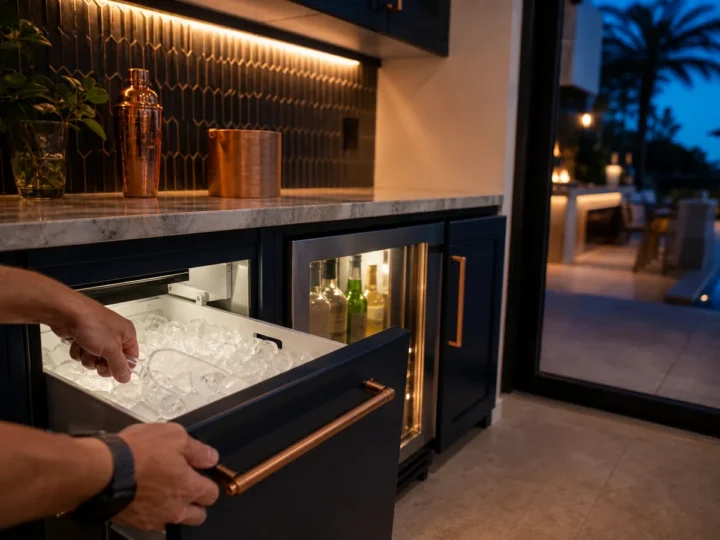
| Ice maker | Inside the cabinet near the top or side, or by the door frame | Empty the bin first if it covers the label |
| Wine refrigerator | Inside near the top or on a side wall | Move bottles aside; do not remove them all at once |
| Beverage center | Inside on a wall or frame | Look behind the door or shelf edge |
| Outdoor units | Inside the cabinet, or on the frame; sometimes at the back | Do not pull the unit out if it is plumbed or wired |
How do you reach the label safely?
Start with safety. If you only need to look inside, the unit can stay running, but keep the door open for as short a time as you can, and have a flashlight ready. If you need to move the unit, unplug it first, and for an ice maker, shut the water supply. Never pull on a built-in unit connected to water or a drain line, and never tilt it.
- Open the door and look at the side walls, the ceiling and the frame around the opening.
- Take out shelves, drawers or the ice bin if they block the view, and set them aside on a clean surface.
- Use a flashlight and wipe the label gently with a dry cloth if it is dusty or damp.
- Photograph the label straight on, with the flash off to avoid glare, and take a second photo of the full label area.
- Write down the model and serial numbers by hand, too, in case the photo is unreadable.
- Put everything back and close the door fully.
On a lanai, work when the unit is shaded and dry. If the unit sits under a counter with no room to see inside, a phone camera held in front of the opening can help.
What if the label is missing, faded or unreachable?
Labels in humid places can curl, fade or peel, and salt air near the coast speeds that up. Cleaning products can also remove ink. If you cannot read it, check the other places in the table, the original invoice, any registration email and the use-and-care guide, which sometimes lists the model on the cover. A photo of the front of the unit, the door, the controls and the display also helps.
Do not guess a model number. A wrong number leads to the wrong part. Tell us what you can see, such as the type of unit, whether it is for indoor or outdoor use, the width and the door style, and the technician will identify it on site.
If the unit is built in and cannot be pulled out, do not force it. Tell us when you book, and we will plan the visit around the access you have.
What else is useful to have ready when you book?
- The model and serial numbers, or the photo.
- A short description of the problem and when it began.
- Any error shown on the display, in the same words.
- Whether the unit is indoors, on a lanai or in an outdoor kitchen.
- Whether a storm, an outage or a flood came before the problem.
- Your ZIP code, so we confirm the unit is in the area we serve.
With these in hand, the first call goes quickly and the visit starts with the right information.
Frequently asked questions
Is the model number the same as the serial number?
No. The model number identifies the type of unit, while the serial number is unique to your individual unit. Both appear on the label, and technicians often need both.
Can I find the label without opening the unit?
Sometimes, on the back or under a grille, but most labels are inside. Opening the door briefly to read it is fine. Do not pull out a built-in unit to look behind it.
Will the label tell me if my unit is indoor or outdoor rated?
The label and your guide together identify the model, and the guide states where that model may be installed. If you are unsure, send the model number and we will help sort it out.
What if I bought the home and have no paperwork?
The label is still the best starting point. Photograph it, and check the support page for a guide matching the model. A technician can work from the label even without the original papers.